
Products · Prices · Buying guides
HipoBuy Spreadsheet
Find the product, compare its options, and plan the order from purchase to delivery.

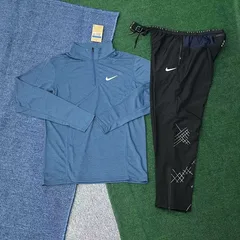
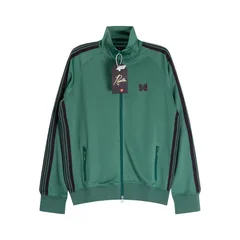
Browse product categories
What is HipoBuy, and how do you order?
HipoBuy is a shopping platform for finding and buying products from China. Your product order, warehouse inspection and international parcel are separate decisions.
This independent spreadsheet brings together 2,429 product references, displayed USD prices and the corresponding HipoBuy purchase links. Use it to compare candidates; confirm the selected option and current charges on the platform before paying.
This is an independent product directory and buying guide. It is not the official HipoBuy website.
- Choose a product and its optionsUse the categories or search, then record the exact item, colour, size and quantity.
- Submit the order on HipoBuyOpen the product’s purchase link, confirm its options and the displayed charges, then pay the product order. Buying guide
- Review the warehouse QCCompare the received item with your saved selection. Resolve a discrepancy or request a useful view before sending it. QC guide
- Choose shipping and pay the freightSelect the items, packing and eligible route for your destination. Review the parcel quote and pay international shipping. Shipping guide
- Track the parcel and check deliveryFollow the carrier events and check the contents and condition when the parcel arrives. Tracking guide
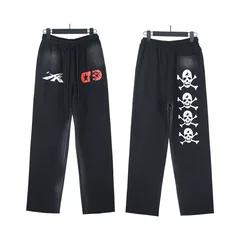 Joggers & Track Pants
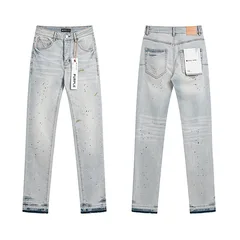 Jeans
 Underwear
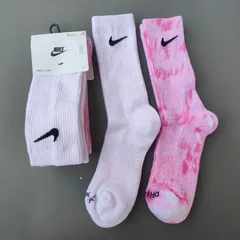 Socks
Start where the product belongs
Explore shoes in the catalog when you have a model and fit question in mind. For a layer to wear over existing clothing, look through jackets. For a bag or smaller addition, open accessories and compare the relevant dimensions or included pieces.
Turn a find into a comparison
Suppose two jackets look suitable. Before choosing on price, compare the requirement that matters to you: perhaps the body length or room for a sweater. If one listing lacks that information, the cheaper-looking figure does not settle the question.
- Which offer and option am I considering?
- What does the selected quantity include?
- Which measurement or specification makes it suitable?
- What question still needs an answer before payment?
What a useful spreadsheet entry contains
Begin with a purchase you can describe
Set one requirement before evaluating a list. You might want a shorter jacket, trousers with a suitable rise or a bag that fits your everyday contents. Without that requirement, almost any attractive thumbnail can appear useful.
Check whether an entry survives reopening
A useful entry takes you back to the intended article, not merely a broad search or an unrelated default option. Read the selected size, colour and quantity again. If the listing contains several versions, establish which one the description concerns.
Compare information rather than enthusiasm
| What an entry offers | What still needs checking |
|---|---|
| A low starting amount | Whether it belongs to your option and quantity |
| A size label | The measurements and method behind that label |
| A styled outfit photo | Which pieces are included in the selected offer |
| A close-up image | Whether it belongs to the same product and version |
| A positive comment | What the person actually examined or used |
Keep different products under different checks
For a top, body length may matter alongside width. For footwear, the meaning of a length measurement matters before comparing size systems. For a bag, the usable opening can matter more than a broad exterior dimension.
Finish the selection before expanding the basket
Once a candidate meets your requirements, follow the buying guide to check the order and subsequent stages. Do not add another product merely because the list makes it easy to do so. Delivery is a separate question to address through the shipping guide, using the eventual parcel rather than an assumed cost per item.